Patch up your
old content
The absolute easiest way to sort, grade, and unpublish or keep old WordPress content. Always powered by your human eye. Goodbye spreadsheets!

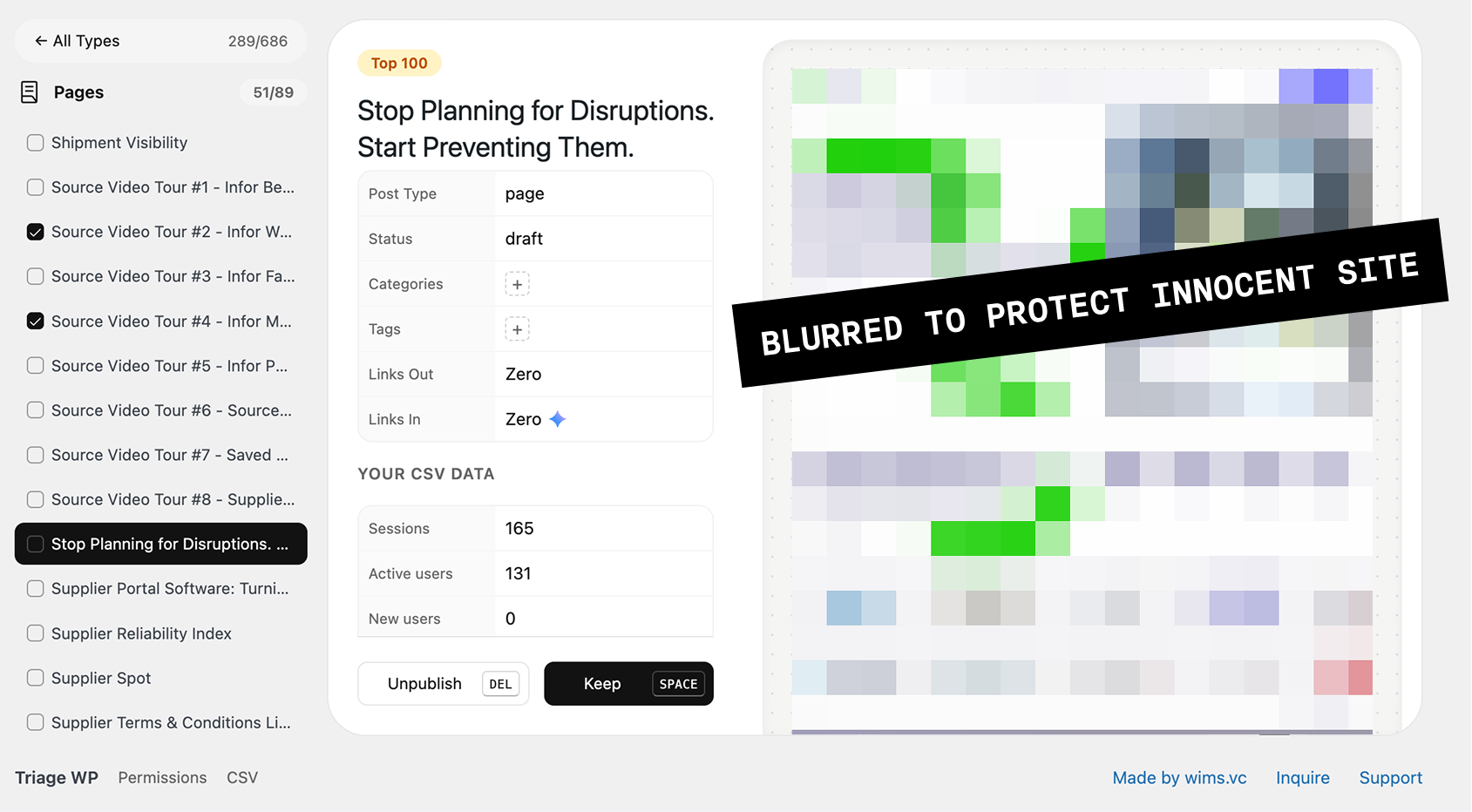
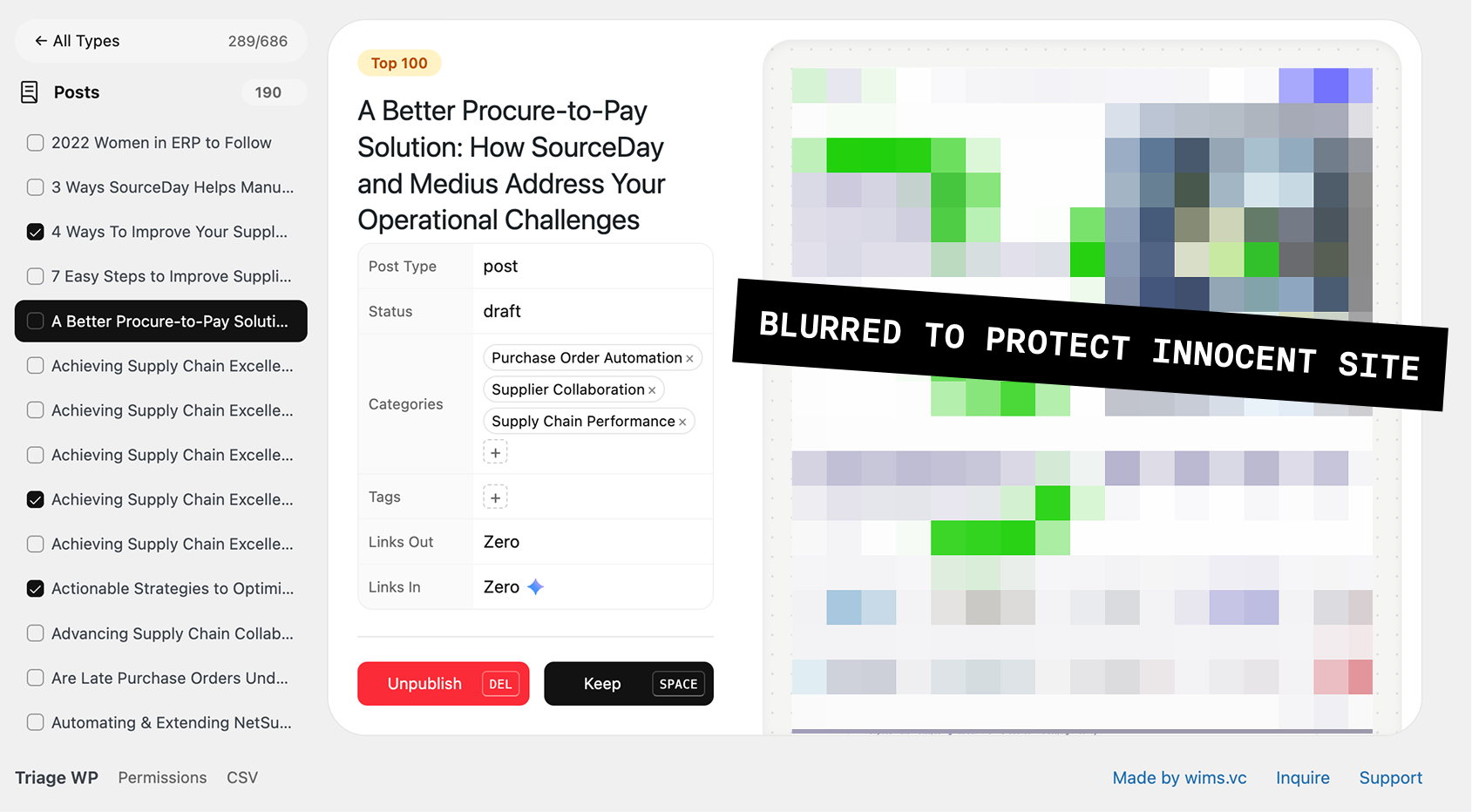
Site traffic is down, bots and agents are at the door, and your expensive marketing site is bleeding.
Sort Content FAST
A couple dozen posts or a couple hundred, the absolute fastest way to sort and grade your content archive.
Hack & Slash
Keyboard shortcuts, bulk checkbox actions, desktop and mobile previews- nothing is stopping you.
BYO Data
Beyond WordPress meta, simply upload a custom CSV or Google Analytics data and grade that too.
AI Safe
This plugin was built with the help of LLMs, but the actual plugin contains ZERO AI. No hallucinations.
FAQ
Is it safe to use?
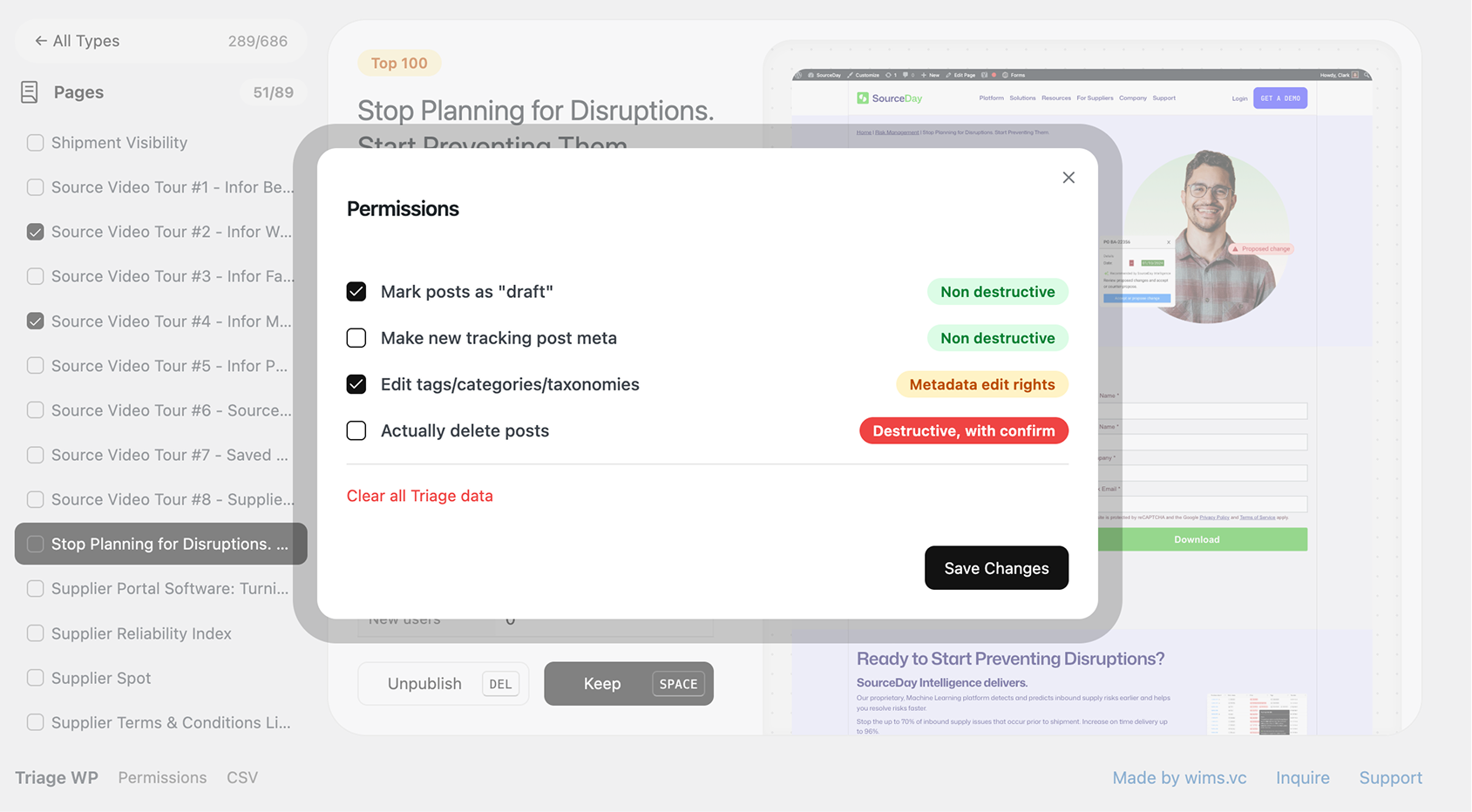
Yes. Triage WP is completely non-destructive. It has a strict permissions mode that prevents deleting any content ever. You simply mark posts as "keep" or "unpublish" and only take action when you're ready-through WordPress's native interface, not the plugin.
Can my team use it together?
Absolutely. All grading, "keep" and "unpublish" statuses sync online in your WordPress dashboard between team members. Everyone sees the same progress, so you can divide and conquer hundreds of posts without stepping on each other's toes.
Does it use AI on my content?
No. While this plugin was built with AI assistance, the actual plugin contains zero AI. Your content is never sent anywhere, analyzed, or modified by machine learning. Every decision is made by your team.
Are there keyboard shortcuts?
Yes. Power through your content archive with keyboard left/right/space shortcuts for grading, marking, and navigating. It's designed to make sorting hundreds of posts feel fast, not tedious. It's like Tinder for WordPress.
What do I get for $64?
A ready-to-install plugin that replaces hours of spreadsheet wrangling and back-and-forth with your team. If your time is worth anything, this pays for itself on the first content audit.
What's the difference between paid and free?
Pay $64 for a ready-to-install WordPress plugin. Just drag and drop our zip file. Or grab the source code on GitHub and compile it yourself for free. Same plugin, same features-just depends on how much time you want to spend.
Why a zip file and not the WordPress Plugin Directory?
I've been a full-time WordPress developer for 20 years. I like to do things the easy way. Join me.
Updates
I'll email you when there's a new version. No blog posts about "content strategy best practices."